
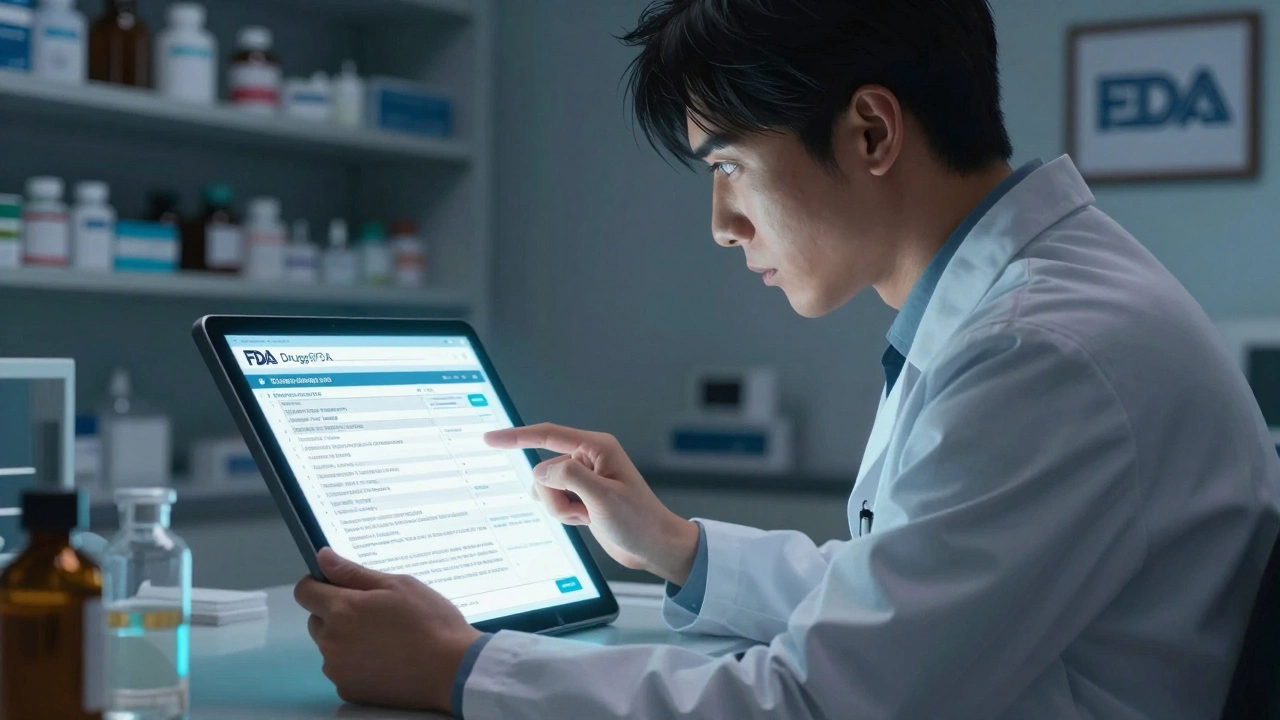
Drugs@FDA Search Method Checker
Find the Right Search Method
Determine the best way to search for your drug in the FDA's Drugs@FDA database based on what you're looking for.
Search Recommendation
When you need to know if a drug is truly approved by the U.S. Food and Drug Administration, or when you want to see the exact prescribing information, patient guides, or even the FDA’s own review documents - there’s one place that gives you the official answer: Drugs@FDA. This isn’t a third-party site or a summary. It’s the FDA’s own public database, updated every day, and it’s free to use. No login. No subscription. Just direct access to regulatory records dating back to 1939.
What You’ll Find in Drugs@FDA
Drugs@FDA holds records for about 20,000 approved human drugs. For drugs approved since 1998, you get the full package: the official prescribing label (also called the package insert), patient medication guides, approval letters, FDA review summaries from medical officers, and even letters exchanged between the agency and the drugmaker. For older drugs, you’ll still find the approval date and basic product info, but not always the full documents.
It covers both brand-name and generic drugs. So if you’re looking up Zestril, you’ll also find lisinopril. If you’re checking a combination drug like Zestoretic (lisinopril + hydrochlorothiazide), you can find it too - as long as you search correctly.
This database is different from other FDA tools. FDALabel is great if you want to search for specific sections like “Boxed Warnings” or “Adverse Reactions” across thousands of labels. The Orange Book tells you which generics are therapeutically equivalent to brand drugs and lists patents. The Purple Book is only for biologics like insulin or monoclonal antibodies. Drugs@FDA is your starting point for the full regulatory story - when the drug was approved, by whom, and what the FDA reviewed before saying yes.
How to Search: The Two Main Ways
There are two ways to search Drugs@FDA, and only one of them gives you reliable results every time.
1. Use the Main Search Box (Recommended)
Go to www.fda.gov/drugsatfda. You’ll see a big search box right on the homepage. This is your best tool.
Type in:
- The brand name - like Advair
- The generic name - like fluticasone/salmeterol
- The active ingredient - like metformin
- A combination drug - like Janumet (sitagliptin + metformin)
- The application number - like NDA 021380 (you’ll find this on the label or from your pharmacist)
As soon as you hit enter, you’ll get a list of matching products. Click on any one to open its full profile. From there, you can download the label, view the approval letter, or read the FDA’s review summary. The results include both brand and generic versions, even if they’re combination products. This is the only method that reliably finds everything related to a drug.
2. Use the A-Z Index (Use with Caution)
Under the search box, you’ll see a link to “A-Z Index.” It sounds helpful, but it’s misleading. If you search for lisinopril in the A-Z index under “Drug Name,” you’ll only see products where lisinopril is the only active ingredient. You won’t see Zestril, Prinivil, or Zestoretic - even though they contain lisinopril.
This is a common trap. The A-Z index is designed for browsing, not searching. It’s useful if you’re scanning a long list of drugs alphabetically, but it’s not reliable if you’re trying to find a specific drug or its brand names. Stick to the main search box.
Understanding the Results
Once you click on a drug, you’ll see several tabs:
- Product Information - Shows the brand name, generic name, manufacturer, dosage forms, and approval date.
- Therapeutic Equivalence - Only appears for generics. Tells you if the FDA considers it equivalent to the brand drug (important for pharmacists and insurers).
- Approval History - Lists every application (NDA, ANDA, BLA) and the date it was approved. Useful if you need to know if a generic came out in 2015 or 2020.
- Labeling - The full prescribing information. Download the PDF to see warnings, dosing, side effects, and contraindications exactly as approved by the FDA.
- Review Documents - These are the FDA’s internal evaluations. You’ll see comments from medical reviewers, pharmacologists, and statisticians. This is gold for researchers or anyone who wants to understand why a drug was approved - or why a request was denied.
For older drugs (approved before 1998), some tabs might be empty. The FDA didn’t digitize all documents from that era. But you’ll still see the approval date and product details.
Common Mistakes and How to Avoid Them
Even experienced users make these errors:
- Searching only by brand name - If you want to know if a generic version exists, search by the active ingredient. You’ll see all versions at once.
- Assuming the A-Z index is comprehensive - It’s not. Use the main search box.
- Confusing Drugs@FDA with DailyMed - DailyMed has the same labels, but it’s a repository. Drugs@FDA gives you the official approval context. Always check Drugs@FDA first for regulatory status.
- Not checking the approval date - A drug might be approved, but not yet on the market. The approval date tells you when the FDA said yes - not when it became available.
Also, remember: Drugs@FDA only covers human drugs. If you’re looking for animal medications, go to Animal Drugs@FDA - a separate database.
Why This Matters for Real People
Pharmacists use this daily to verify if a new generic is truly FDA-approved before dispensing it. Doctors use it to confirm the exact dosing or warnings for a drug they’ve never prescribed before. Researchers use it to track approval timelines for systematic reviews. Patients use it to find out if their medication is brand or generic - and whether it’s been reviewed by the FDA.
One pharmacist in Ohio told me she used to call the FDA’s hotline every time a patient asked, “Is this drug really approved?” Now she just opens Drugs@FDA. It takes 30 seconds. No hold time. No waiting.
It’s also critical during drug shortages. If a brand drug is out of stock and you’re considering a generic, you can check Drugs@FDA to confirm the generic has the same approval status and isn’t just a copycat product.

What It Doesn’t Do
Drugs@FDA is powerful, but it’s not perfect:
- It doesn’t show real-time pricing or availability.
- It doesn’t have patient reviews or side effect reports from users (those are in the FDA’s MedWatch system).
- It doesn’t include off-label uses - only what’s officially approved.
- It doesn’t list patents or exclusivity periods in detail - for that, use the Orange Book.
That’s why experts recommend using Drugs@FDA as your first stop, then cross-checking with other tools if you need deeper details. Think of it as the foundation. FDALabel and the Orange Book are the supporting documents.
Final Tips for Getting Started
Here’s a simple workflow:
- Go to www.fda.gov/drugsatfda.
- Use the main search box. Type in the drug name, ingredient, or application number.
- Click the result you want.
- Check the “Labeling” tab for the official prescribing info.
- Look at “Approval History” to see when it was approved.
- If you need patent or equivalence info, open the Orange Book in another tab.
Bookmark the site. Save it in your browser. It’s one of the most reliable sources of drug information you’ll ever find - and it’s run by the agency that approved the drug in the first place.
Still Can’t Find What You Need?
If you’ve searched the main box, tried different spellings, and still can’t find a drug:
- Check if it’s a biologic - look in the Purple Book.
- Check if it’s an animal drug - go to Animal Drugs@FDA.
- Check if it’s a new approval from the last 24 hours - the database updates daily, but sometimes takes a day or two to appear.
- Try searching the active ingredient instead of the brand name.
If all else fails, the FDA’s Drug Information team responds to public inquiries. But you’ll save yourself hours by using Drugs@FDA first.
Is Drugs@FDA free to use?
Yes. Drugs@FDA is completely free. No registration, no login, no fees. It’s a public resource funded by the U.S. government and open to anyone, anywhere.
Can I find generic drugs in Drugs@FDA?
Yes. All approved generic drugs are listed alongside their brand-name counterparts. Search by the active ingredient to see every version - brand, generic, and combination products - in one place.
Why doesn’t my drug show up in the A-Z index?
The A-Z index only lists drugs by their exact generic name and doesn’t include brand names or combination products. For example, searching for “lisinopril” won’t return Zestril or Zestoretic. Always use the main search box instead.
Does Drugs@FDA include off-label uses?
No. Drugs@FDA only includes uses that the FDA has officially approved. Off-label uses - when doctors prescribe a drug for something not listed on the label - are not documented here. Those are clinical decisions made by providers, not regulatory approvals.
How often is Drugs@FDA updated?
The database is updated daily. New drug approvals, label changes, and safety updates are added as soon as they’re finalized by the FDA. If a drug was approved yesterday, it should appear within 24 to 48 hours.
Can I use Drugs@FDA to check if a drug is safe?
Drugs@FDA tells you whether the FDA approved a drug and what the approved uses and warnings are. It doesn’t show real-time safety reports or patient experiences. For adverse event reports, use the FDA’s MedWatch system. But Drugs@FDA gives you the official safety information that was reviewed before approval.


Josh Bilskemper
December 4, 2025 AT 07:51Storz Vonderheide
December 6, 2025 AT 00:54dan koz
December 7, 2025 AT 00:59Kevin Estrada
December 8, 2025 AT 17:17Katey Korzenietz
December 10, 2025 AT 05:10Casey Lyn Keller
December 11, 2025 AT 02:36Jessica Ainscough
December 12, 2025 AT 18:28May .
December 13, 2025 AT 22:06